PanelCut
Turns a comic PDF into a beat-synced music video, entirely on your computer.
Hobbyists cut manga panels by hand in video editors, and creators pay per video for a trailer. PanelCut takes a manga, webtoon or comic PDF and makes the video for you: it finds the panels, orders them, times each shot to its text and the music, and renders an MP4. Your files never leave your computer.
Measured
- to render one second of video in the browser (CLI: 1.58–2.43 s)
- 0.28–0.53 s
- panels in one grid, with edits down from 3–4 s to under 40 ms
- 5,000
- network requests outside your own computer
- 0
Problem
Comics are not built for video. Panels have slanted gutters, speech bubbles that break the borders, and full-bleed art, and webtoons are one endless strip. A good video also has to hold each panel long enough to read and cut on the beat. All of that had to run locally, because scans are usually copyrighted and "your files never leave your computer" is the promise.
Architecture
- Interface
- Service
- Worker
- Storage
The app talks only to a local engine on 127.0.0.1. The engine reads the PDF one page at a time in a worker process it can kill, detects and orders the panels, then turns reading time and the music's beats into a typed shots file. The browser renderer draws every frame on an OffscreenCanvas and encodes H.264 and AAC with WebCodecs. The Remotion command-line renderer stays as the reference that the browser output is tested against.
Decisions
Render in the browser
A spike rendered 116.5 s of video in 34 s in Chrome, against about 118 s in Remotion. The product renderer now takes 0.28–0.53 s per second of video, against 1.58–2.43 s for the command line, on four real chapters.
Files never leave the device
No upload surface exists, the content security policy allows only the app and the local engine, logs carry counts only, and tests use generated fixtures. Golden files store numbers, never page images.
Test the renderer against Remotion with numbers
Committed goldens hold per-frame cell brightness and audio RMS windows recorded from Remotion. The browser renderer must stay within a mean of 3 and a worst cell of 8, so any regression shows up as a number.
A constant-quality encoder
A fixed 1.4 Mbit/s bitrate failed the frame rule on 5 of 7 halftone frames. A constant quantizer with a 2.5 Mbit/s fallback fixed it, at about 37% of the command-line file size.
Detected panels are immutable
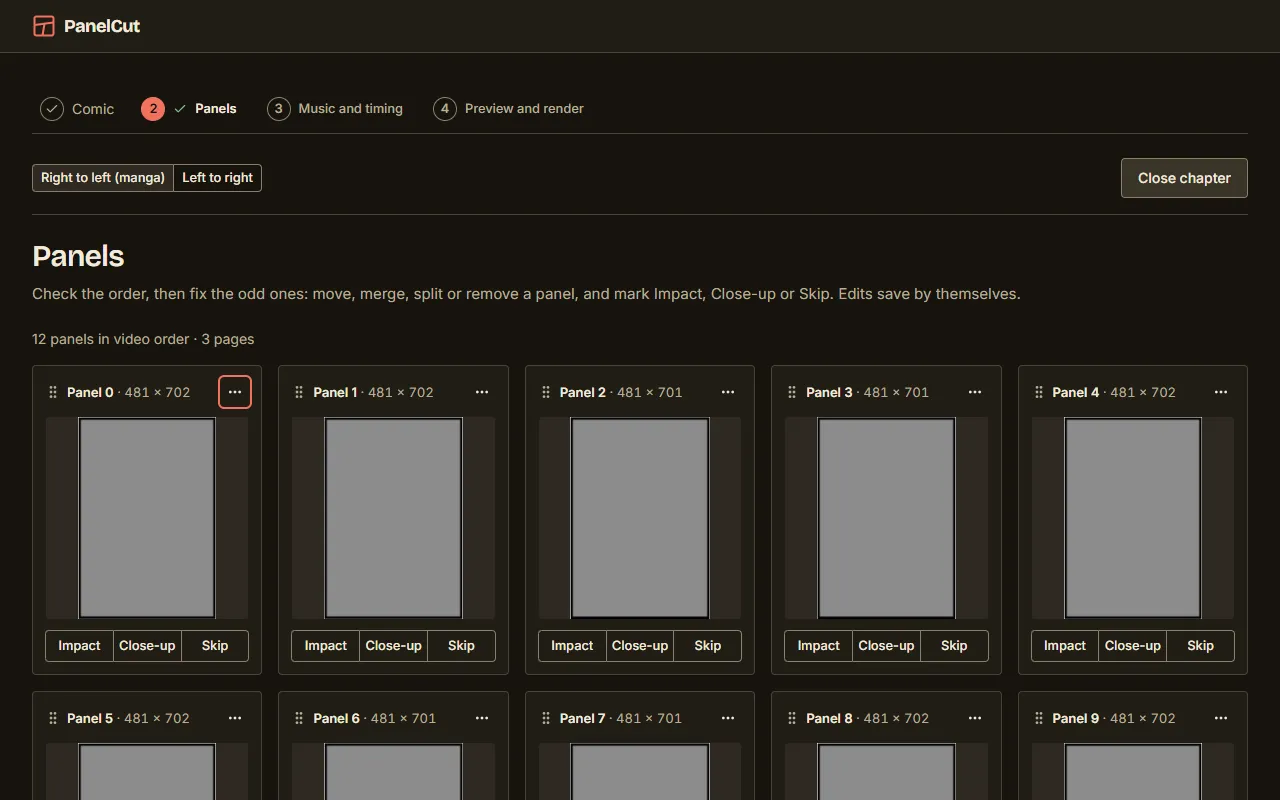
Edits (move, merge, split, skip) are stored as an arrangement beside the detection, so re-running detection never destroys the user's work.
Hard parts
Finding panels in real comics
Gutters are found as background connected to the page edge, so white panel interiors are not mistaken for gutter. Cuts may slant up to 8%, bubbles that break borders are re-attached, slivers are dropped, and webtoon strips are stitched and split on blank bands.
Reading order
Panels are grouped into tiers by vertical overlap, then read right to left for manga or left to right for western comics.
Timing that feels edited
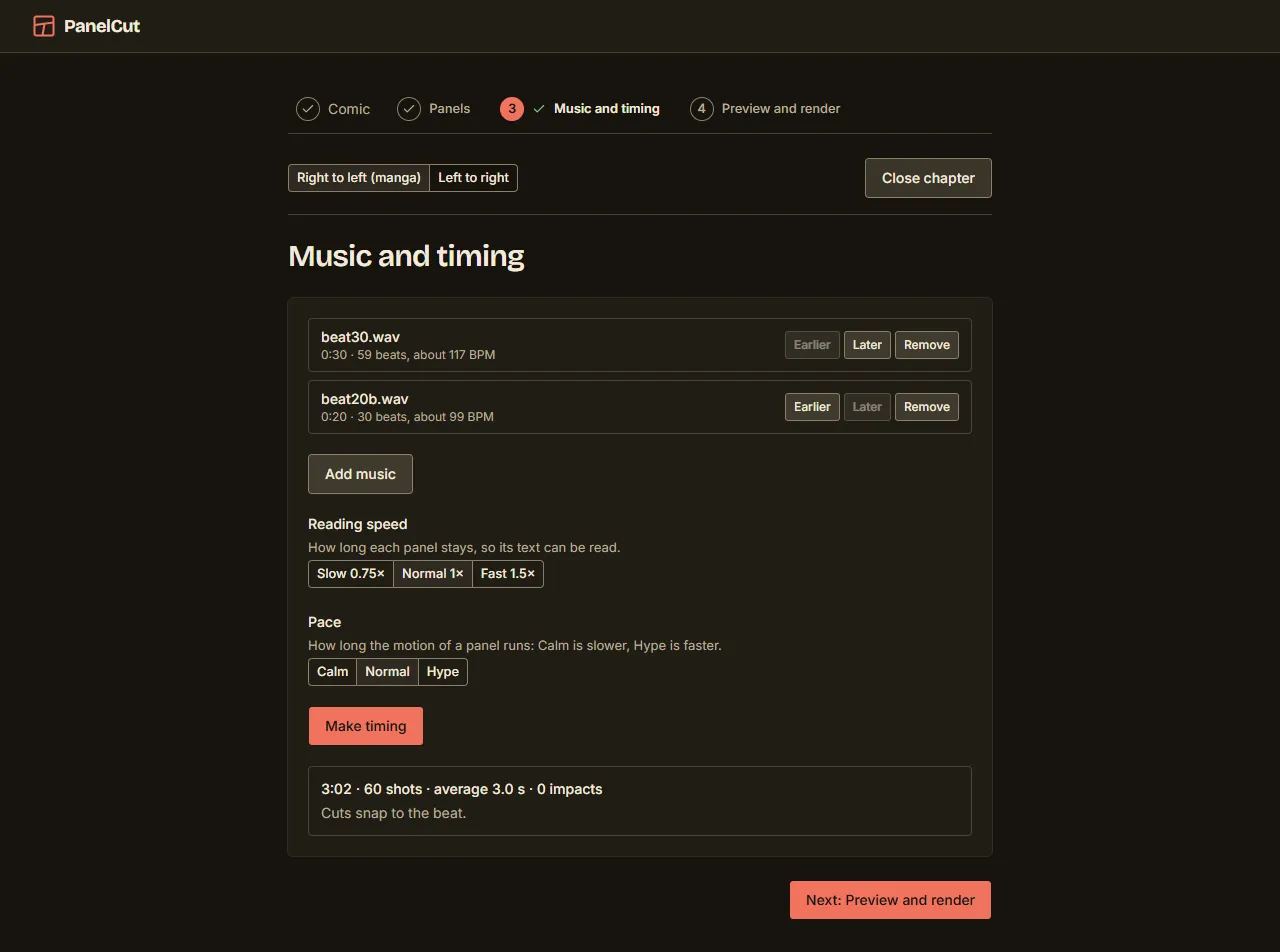
Each shot lasts its motion time or its reading time, whichever is longer, where reading time grows with bubbles and characters. Cuts snap to the nearest beat, playlists that mix tracks with and without a beat only snap inside the beat tracks, and an impact cut appears at most once in six shots.
Memory on big files
The engine predicts peak memory per layout and caps its worker at the smaller of 4 GiB and 60% of free RAM. The renderer decodes images on demand and holds at most two large panels. A 1,426-page file rendered in 15 parts.
Quality
- 323 engine tests, 54 Vitest files including Chrome-driven renderer and preview tests on a production build, and 18 script test files.
- Engine output is pinned by a golden recorded from the original command-line tool, so the API and the CLI provably agree.
- Local CI runs semgrep, gitleaks, npm audit and pip-audit, and reports skipped scanners as skipped, never as passed.